
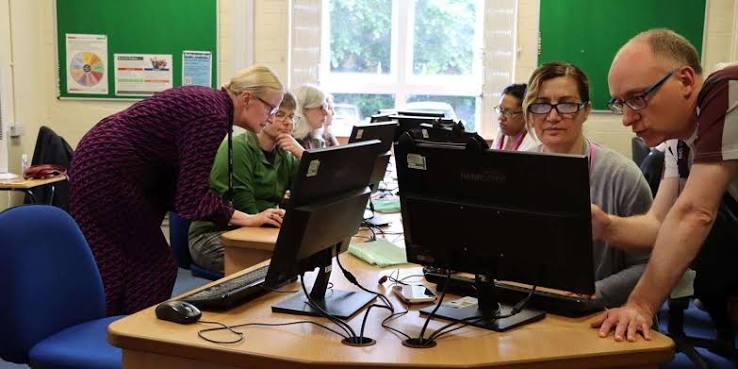
This course is designed for adults who need to learn basic computer skills and gain an understanding of technology in everyday life. We are here to help you get the skills you need for everyday use of computers.
Week 1
- Icebreaker, introduction, why they signed up
- Brief history of computer – do they remember some of them
- The parts of a computer
- Internal – hard drives, processor, RAM and ROM
- Externals – input and output devices
- The layout of a computer – practical. Turn on and look around desktop, my computer etc
- Open and close apps/programs – right click and double click
Week 2
- Turn on your computer. Open a document
- The symbols of the computer – universal
- Kahoot on the symbols, icons, parts
- Create a folder.Open Word. Type. Save document in folder. Close Word.
Week 3
- Recap of parts of computer, layout, symbols etc.
- Working with word
– Reopen the document from last week
– Overview of the basic functions of word – font, size, underline, bold, italics
– Highlighting and making changes
– Type and change exercise
Week 4
Working with word
- Reopen word document from last week and make changes
- Open a new document and save it to the folder
- Typing exercise
- If class has progressed, new functions of word – orientation, alignment, borders
Week 5
Working with Word
- Open second document and complete exercise
- Revision of what we have covered – Kahoots, Blookets
- Practicing the tools we learned in word
Week 6
- Internet – Browsers, Search Engines, Cookies
- Internet safety – Shopping
- Task – find flights
Week 7
- Internet – Email
- Set up Email Account
- Emailing a document we have completed
- Internet security
Week 8
- Basic cloud computing
- Sharing a document.
- Printing
Week 9
- Excel – basic functions. Exercise
Week 10
- Finishing up – recapping. Troubleshooting. Where to next?